Screens Up AR App

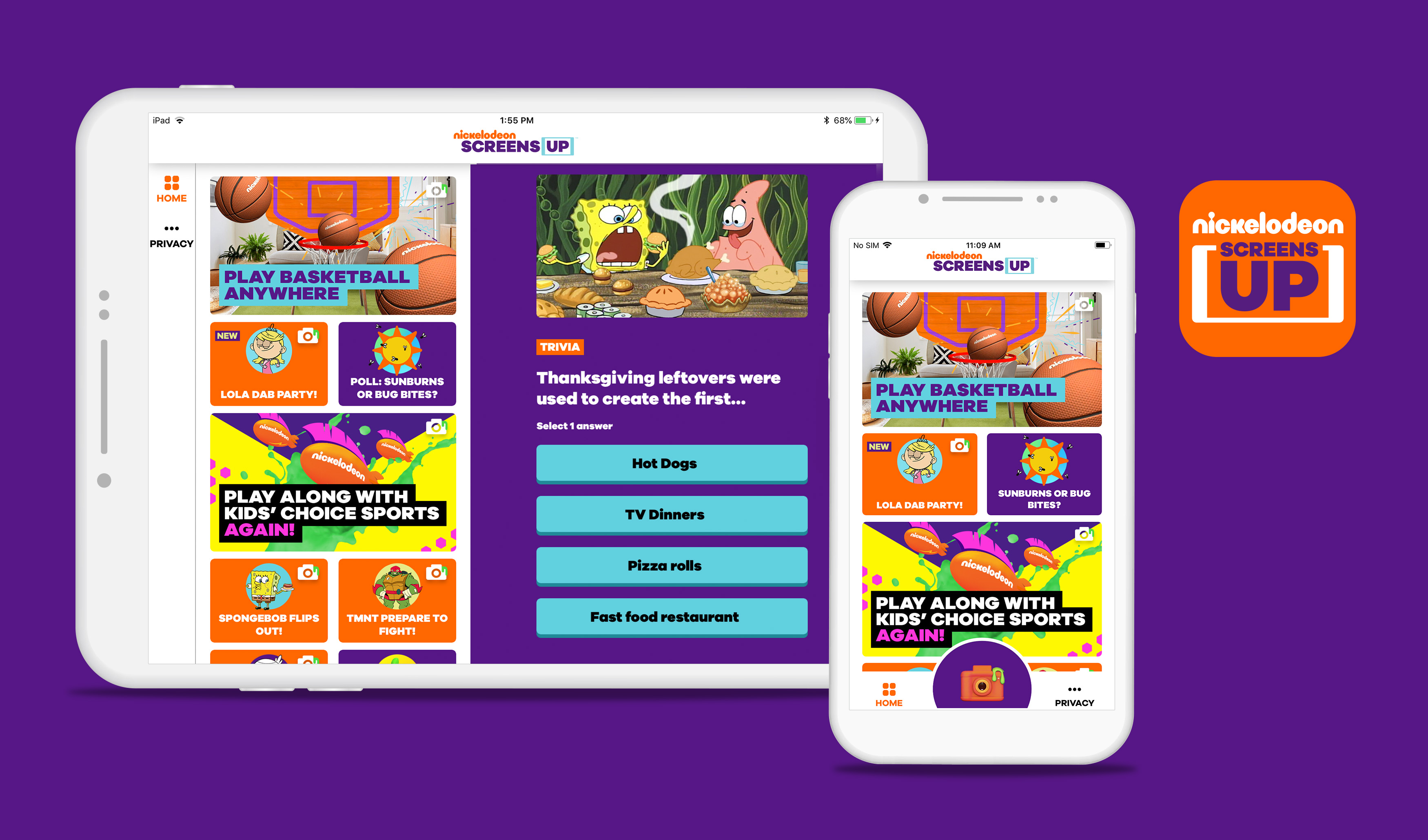
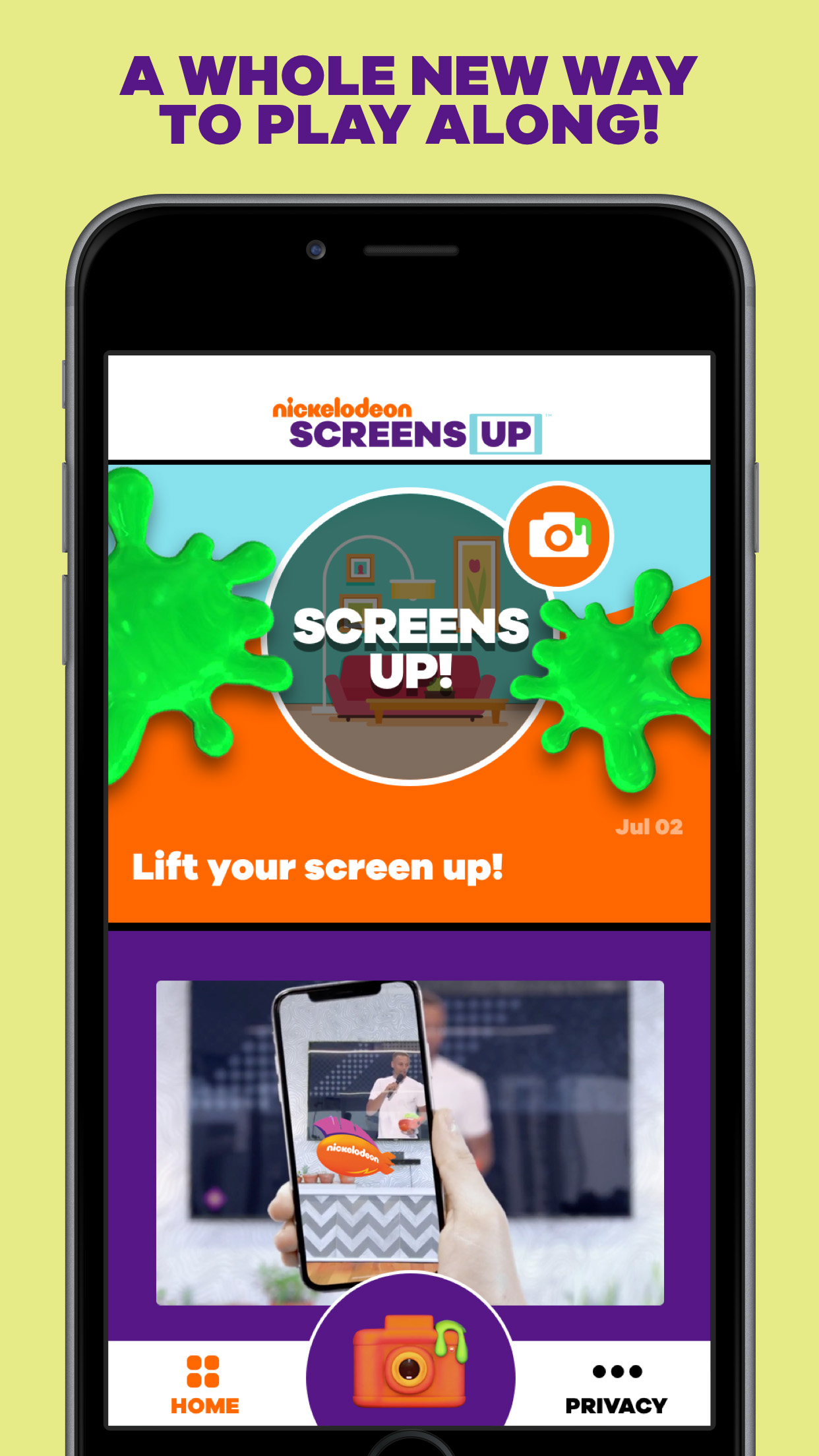
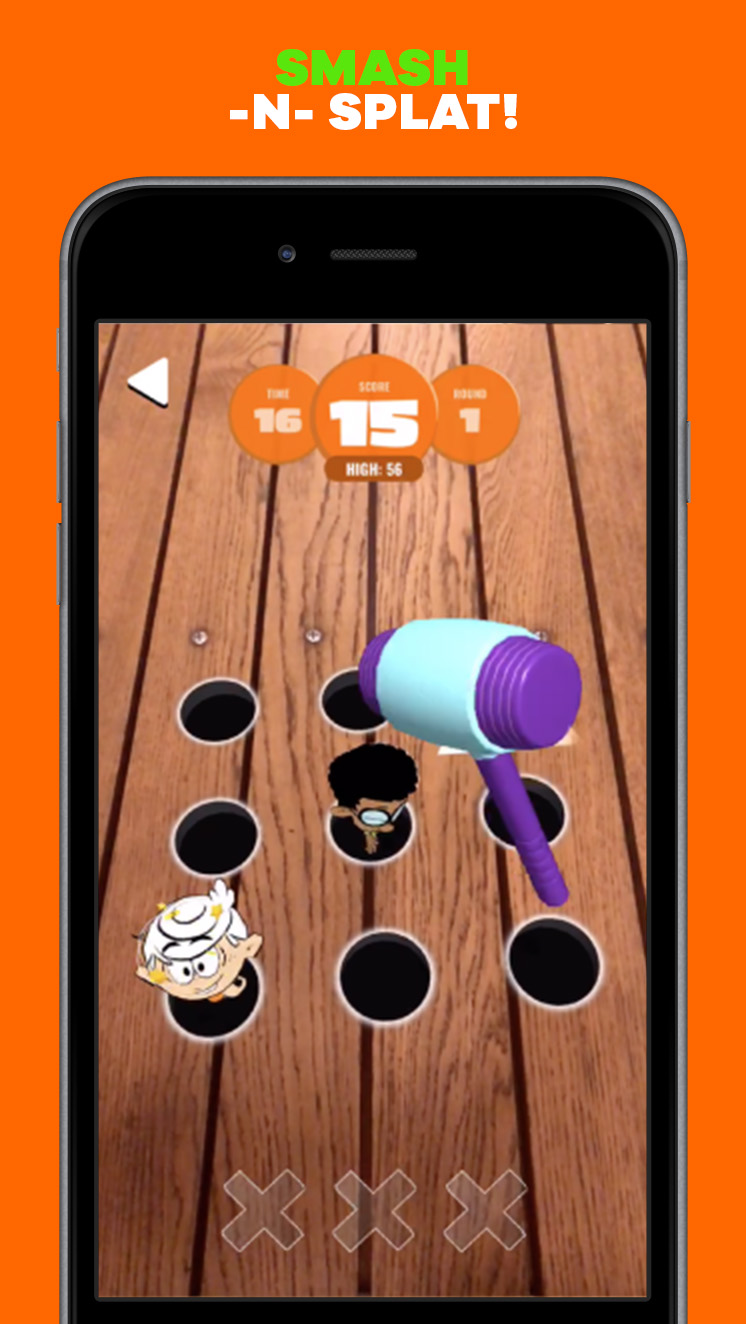
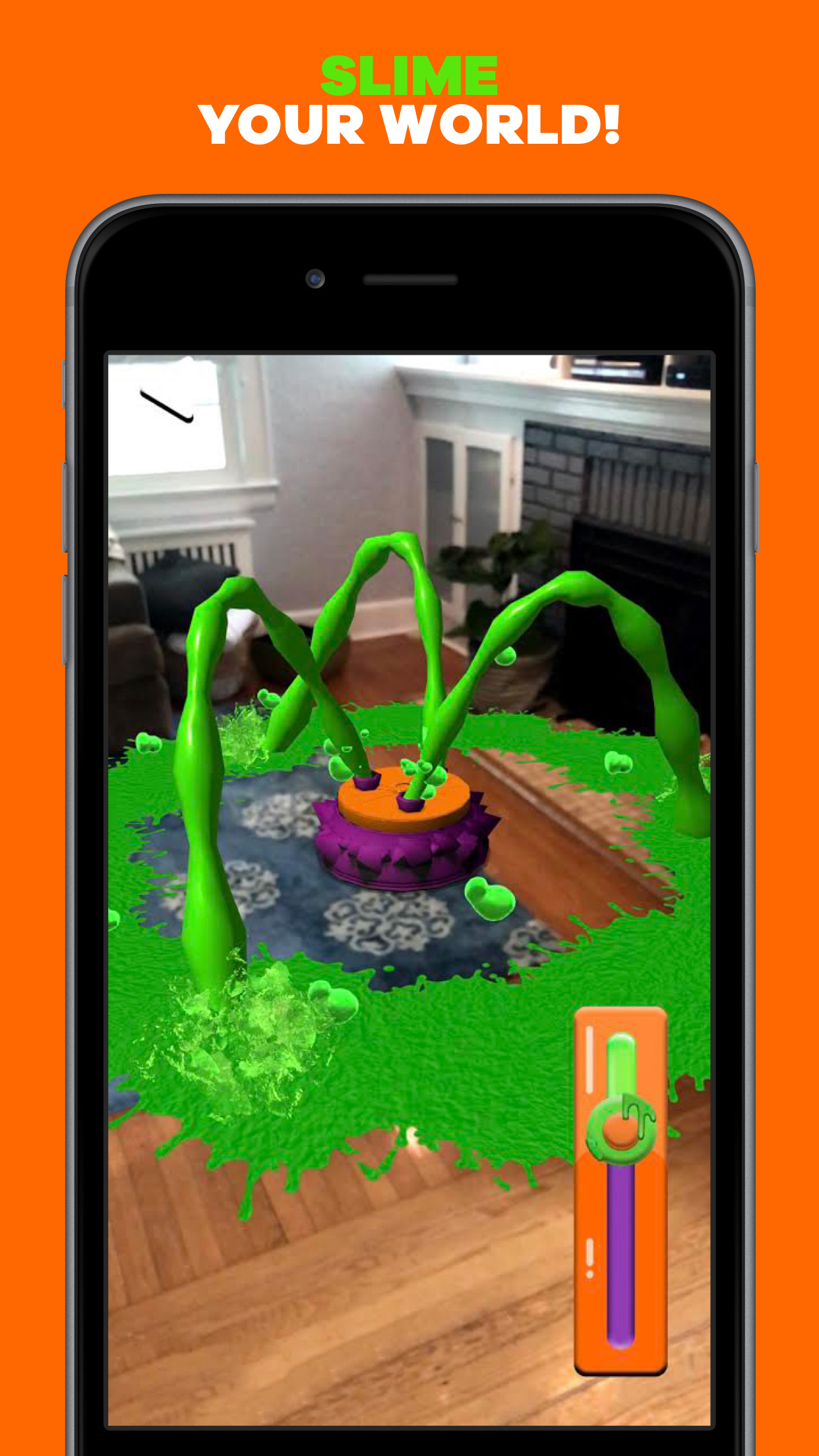
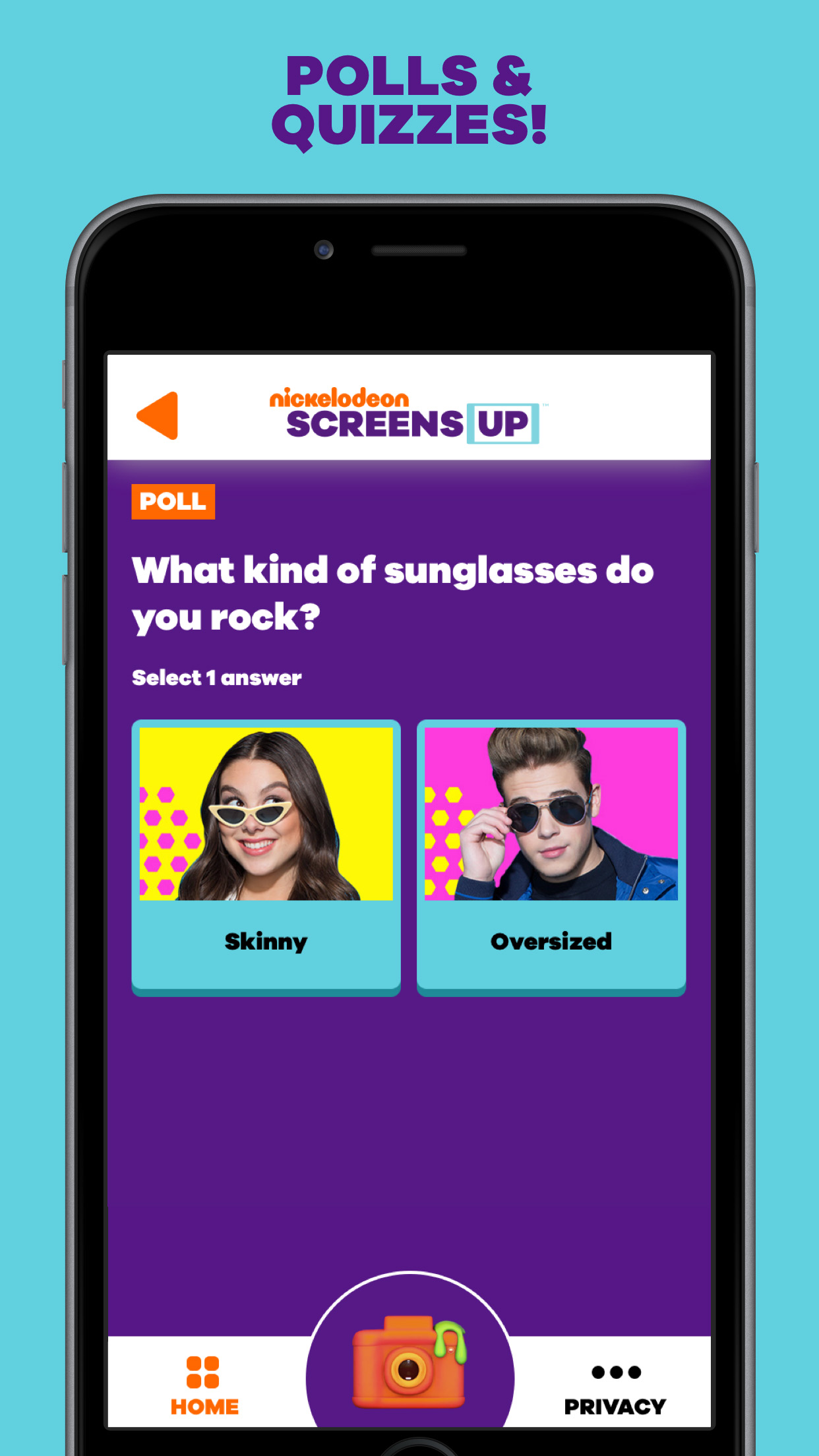
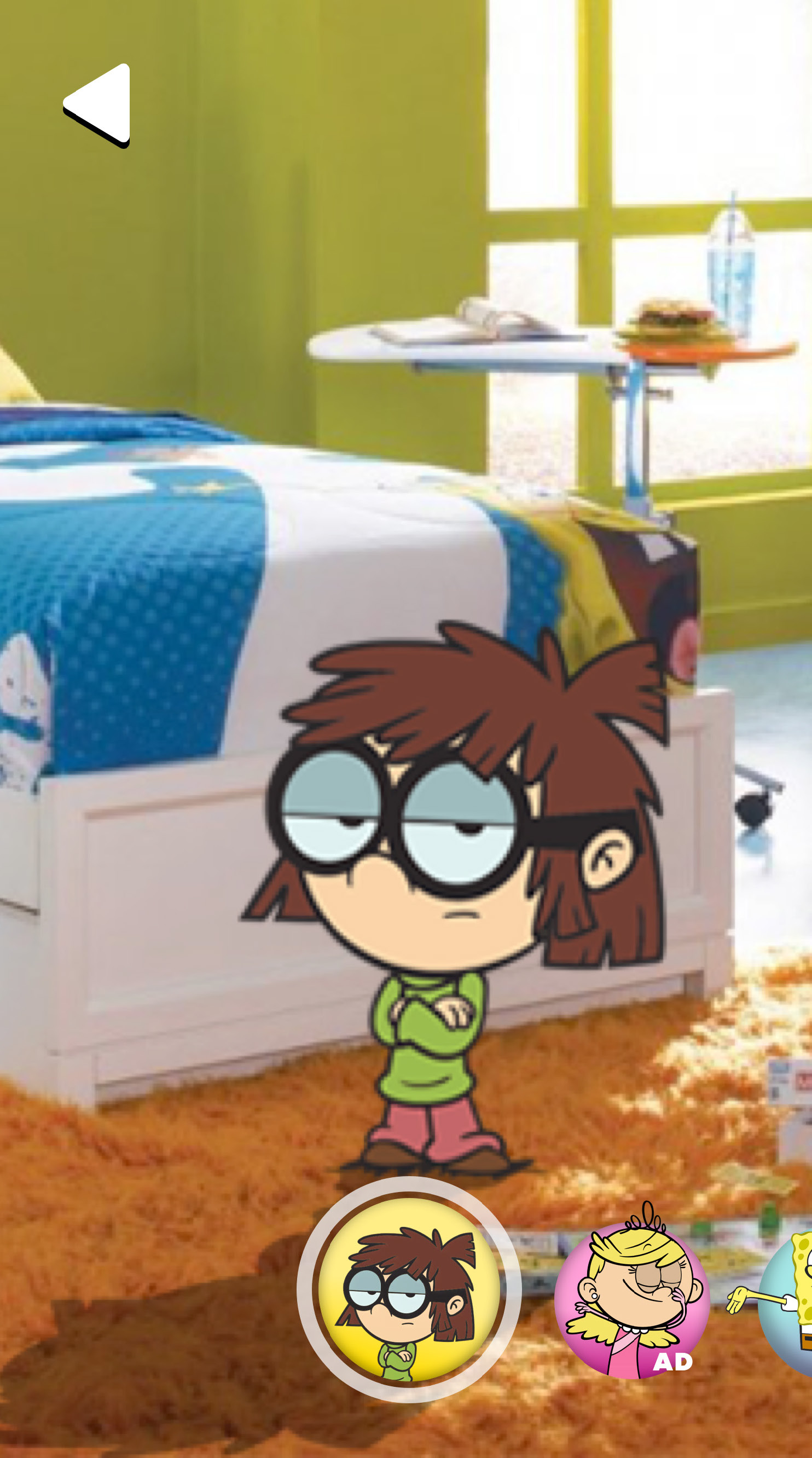
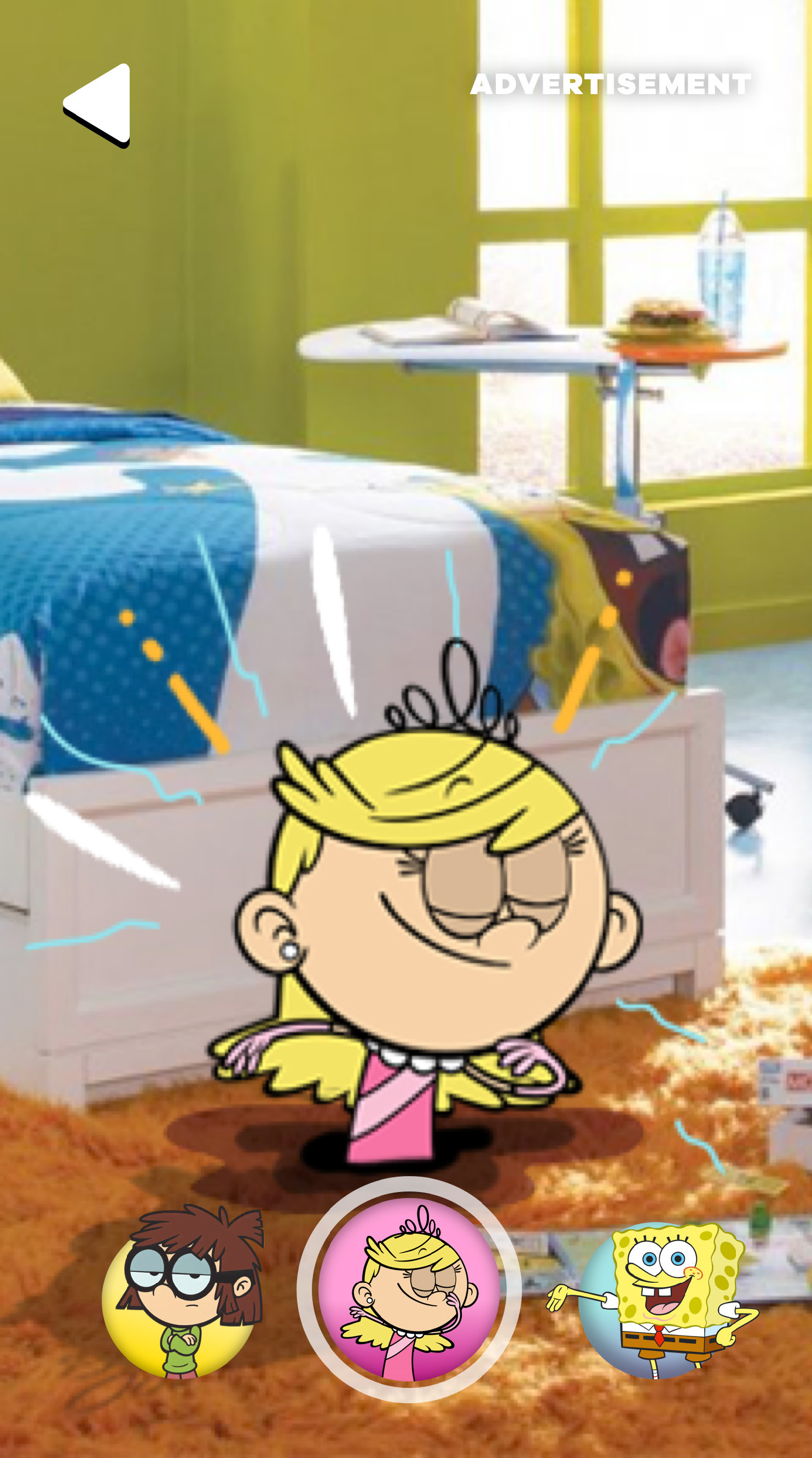
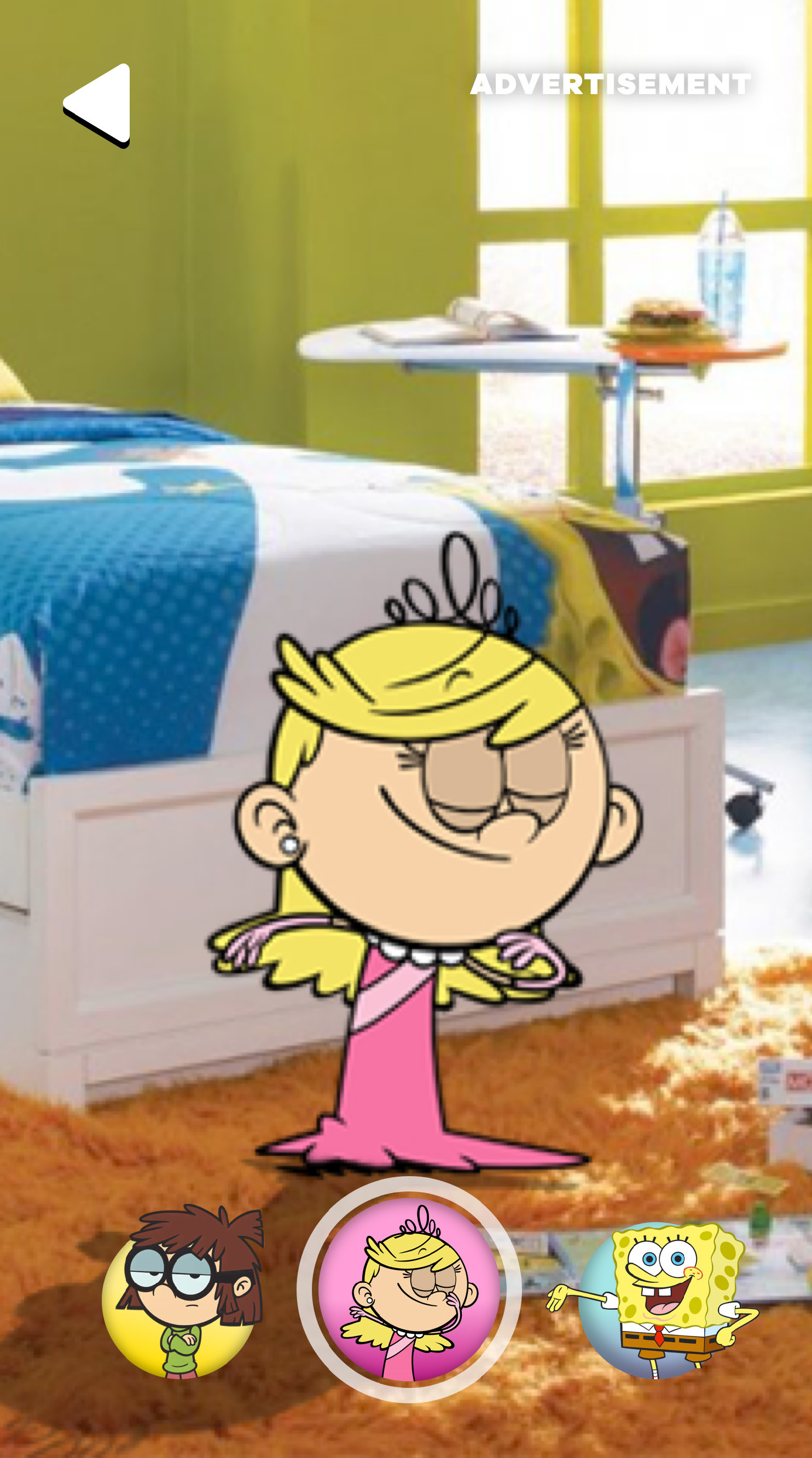
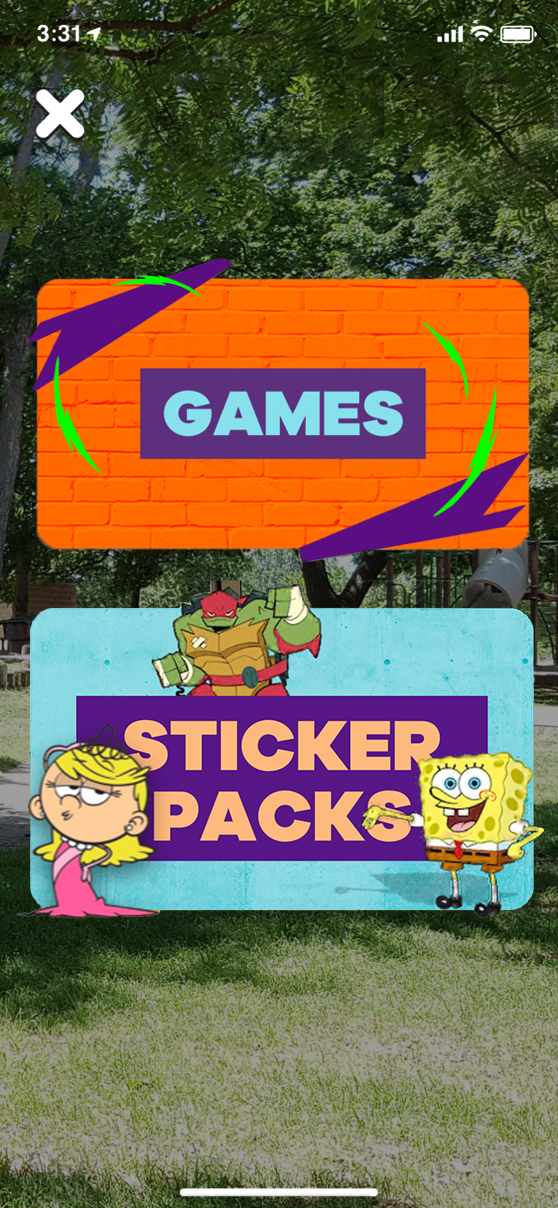
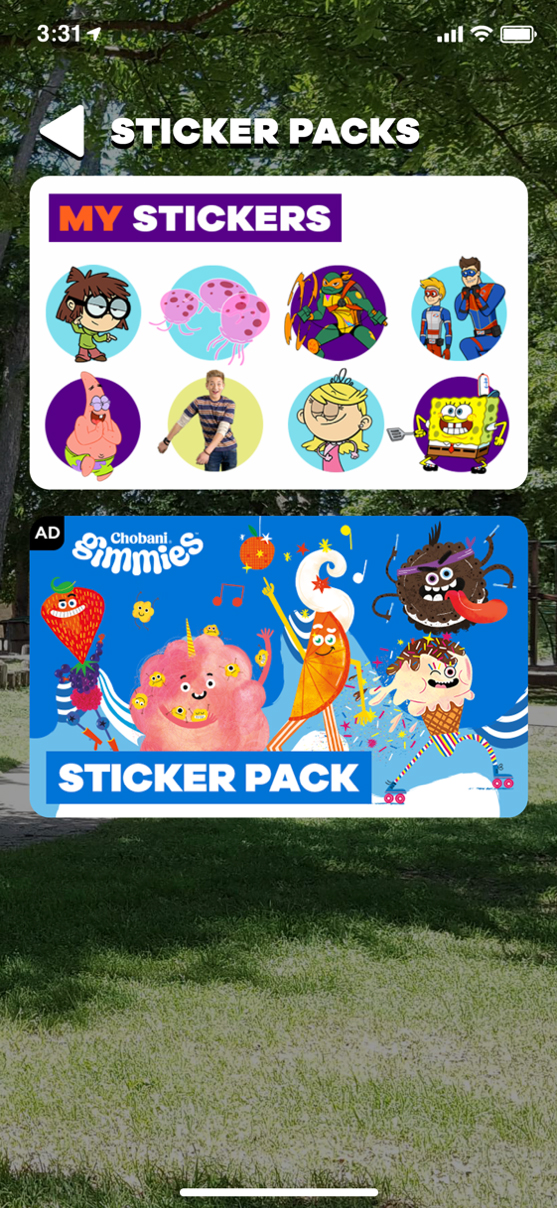
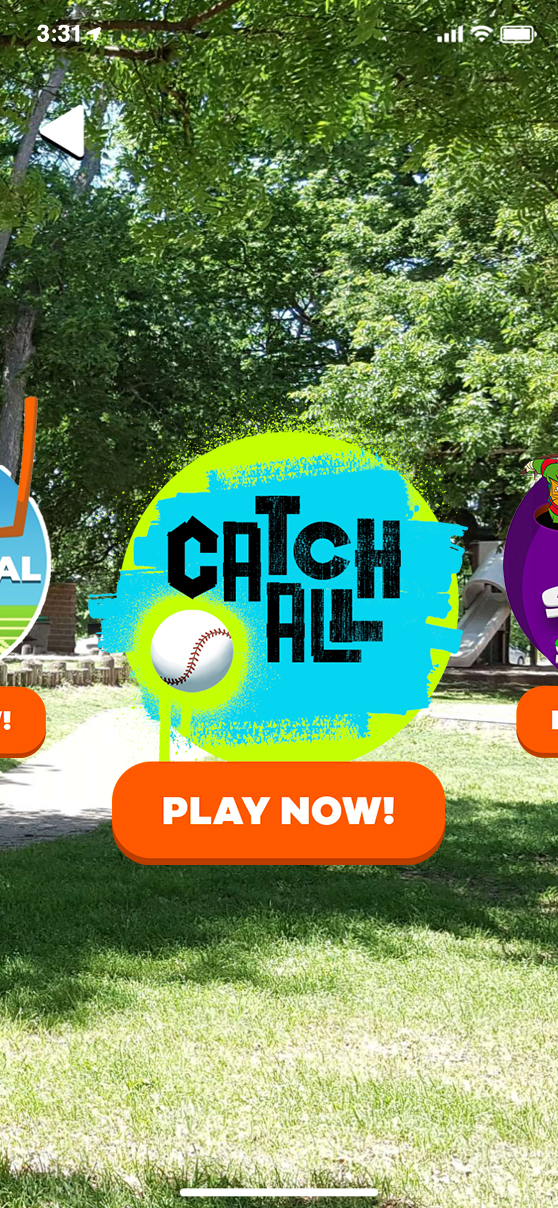
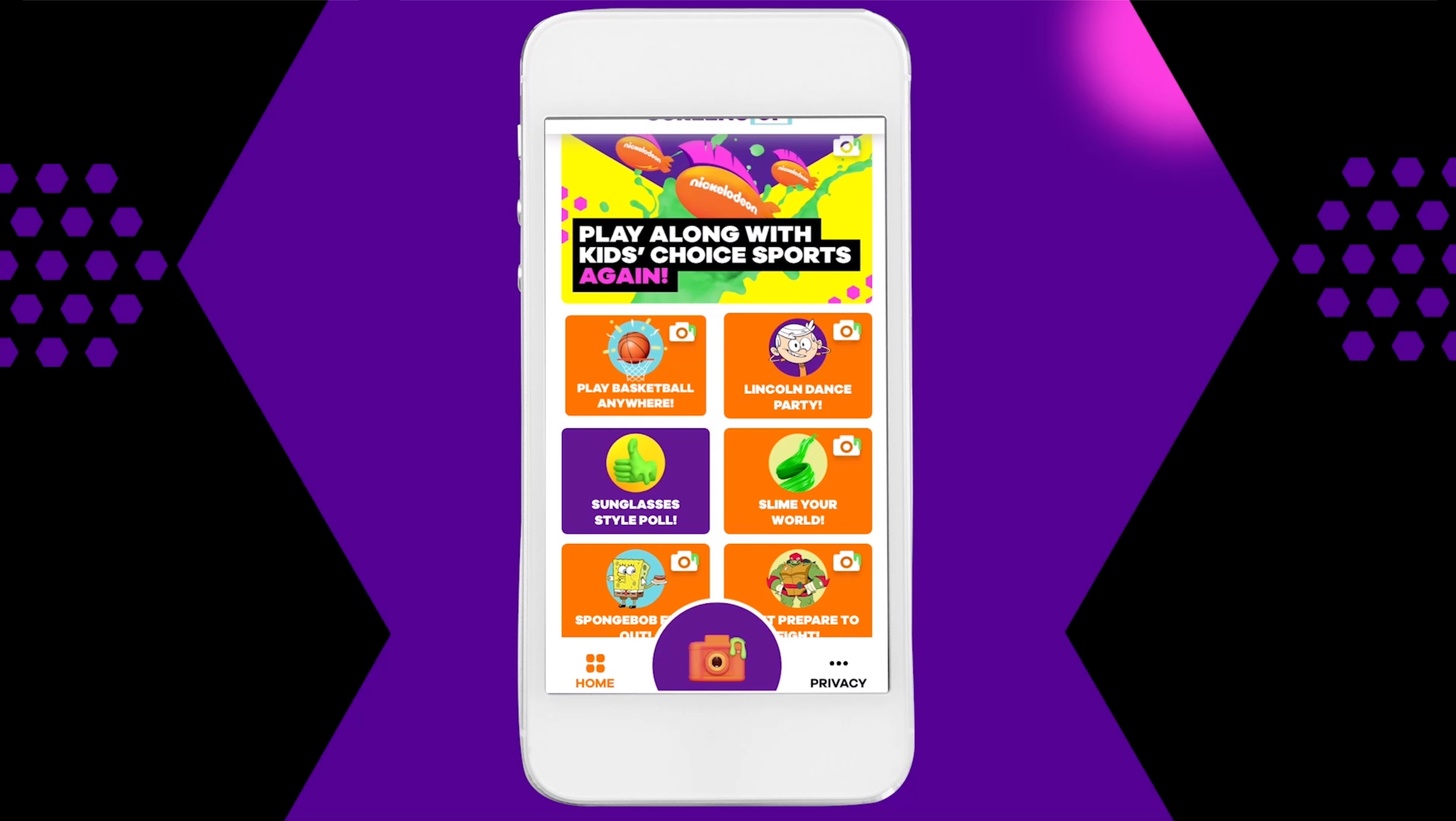
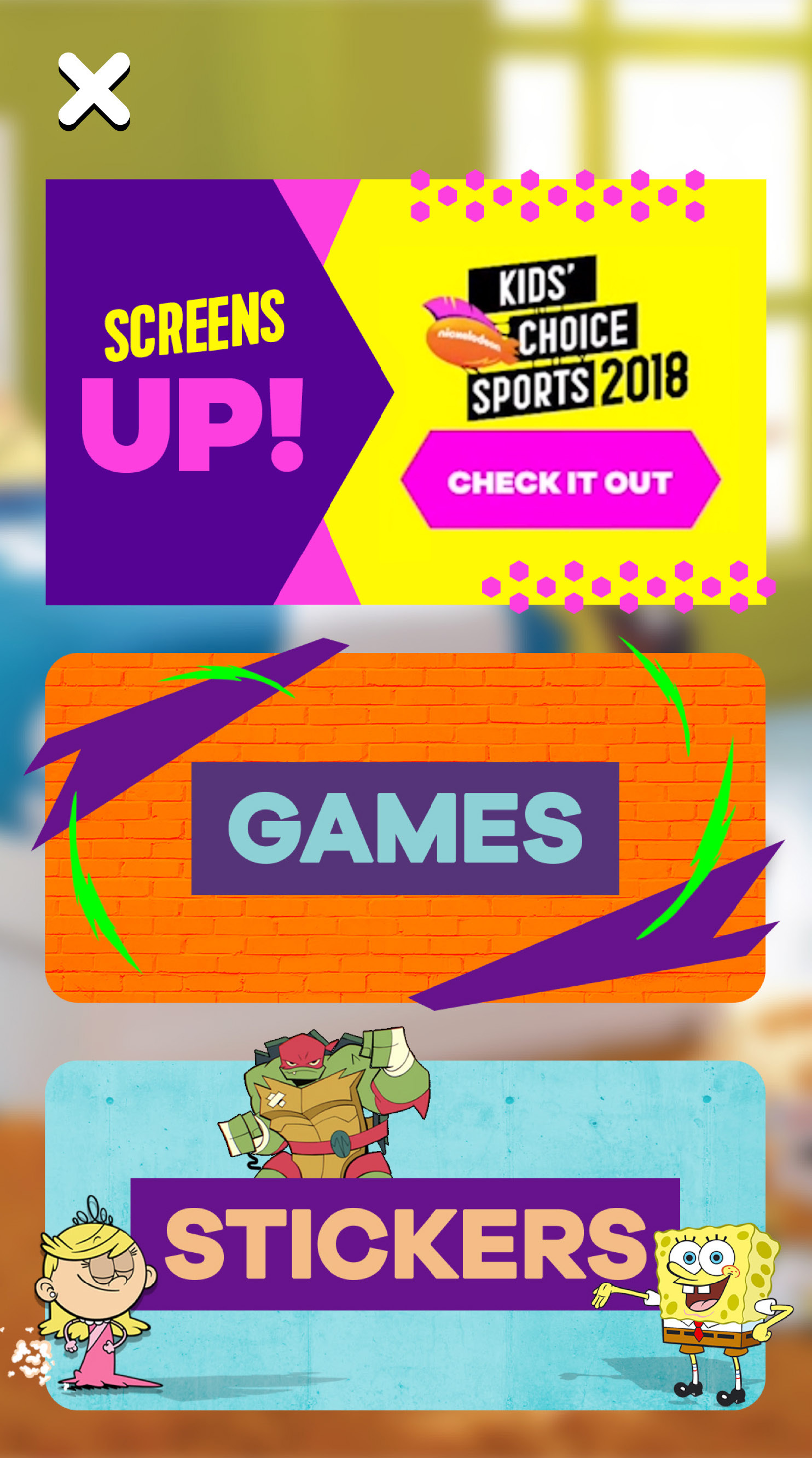
Screens Up was a groundbreaking free TV companion app for iOS and Android that brought Nickelodeon’s action into viewers’ living rooms. It offered immersive AR experiences and special effects synced with major TV moments, allowing fans to play games, collect virtual items, and answer trivia in real time. Beyond broadcasts, the app featured AR stickers, mini-games, polls, and more, with weekly content updates to keep the experience fresh.


Task

Bring a best-in-class AR experience to kids around the country, and increase engagement for kids watching their favorite shows

  • Role

    Led visual, UX, UI, and brand design from pitch to launch. Art directed all graphics, game design, and visual content, ensuring quality through visual QA. Managed a design team for weekly content updates and led design for live, AR, and second-screen experiences. Collaborated closely with vendors, engineers, and marketing teams to ensure seamless project execution.

01 //

Consumer Insights

While conducting consumer insights research, we discovered that 70% of kids aged 6-11 were engaged in digital activities while watching TV. The average number of devices per household was 13, with 70% of kids having access to a tablet and 53% having access to a smartphone. To capture this audience, Nickelodeon developed the first-ever TV augmented reality (AR) app, in an effort to engage and retain viewers, create revenue-generating opportunities, and deepen fan connections with the brand.

After five additional months of research specific to AR, we uncovered some findings that informed our future design decisions, including the below. 

1. Research Findings

• Kids had no AR experience

• Kids had trouble placing the AR space

• Kids did not intuitively stand up or move in the AR space

• Kids frequently hold devices in portrait mode

• Kids found interactive mini-games most appealing

• Kids liked the element of surprise

• Kids don’t click on a button labeled “AR”

• Contextual instructions are helpful in teaching kids how to play

• Kids need more time to move to accomplish tasks

2. Research Recommendations
• Be specific with the placement prompt

• Prompt kids to enter the space during play

• Include more interaction and gameplay

• Include a range of short experiences

• Give kids more time to accomplish prompts

3. Design Decisions

• Added contextual instructions to AR elements to teach kids how to play

• Avoided the term "AR" or common AR iconography in logo and buttons

• Added animation to the "AR" button to draw users' attention  

• Kept interactive experiences short and sweet

• Designed for a mobile portrait mode experience (vs. landscape)

• Added delightful surprises wherever possible

• Incorporated countdowns and "coming soon" messages to give kids ample time

02 //

App Logo & Icon Design

Horizontal Logo

Vertical Logo

App Icon

03 //

App Store:
Screenshots Design

04 //

AR Sticker Design

Sticker Swipe Animation
Sticker User Flow
05 //

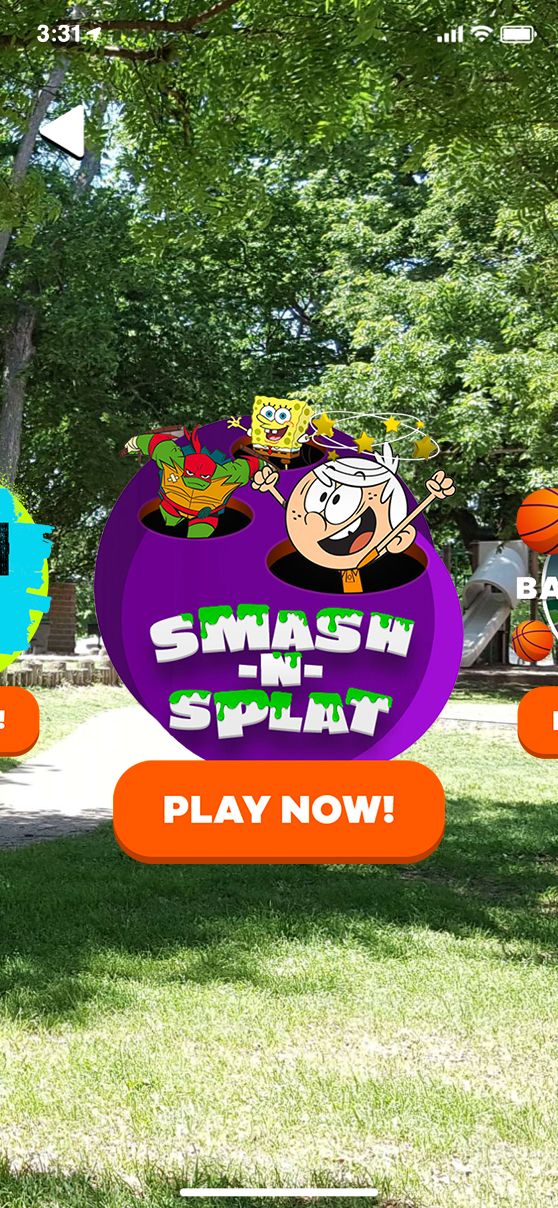
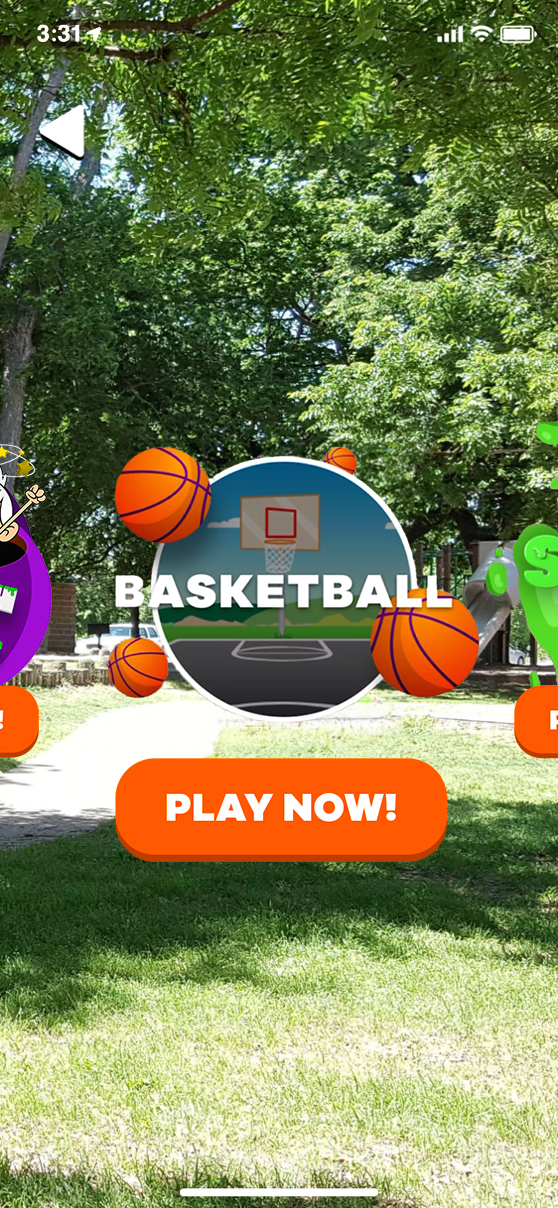
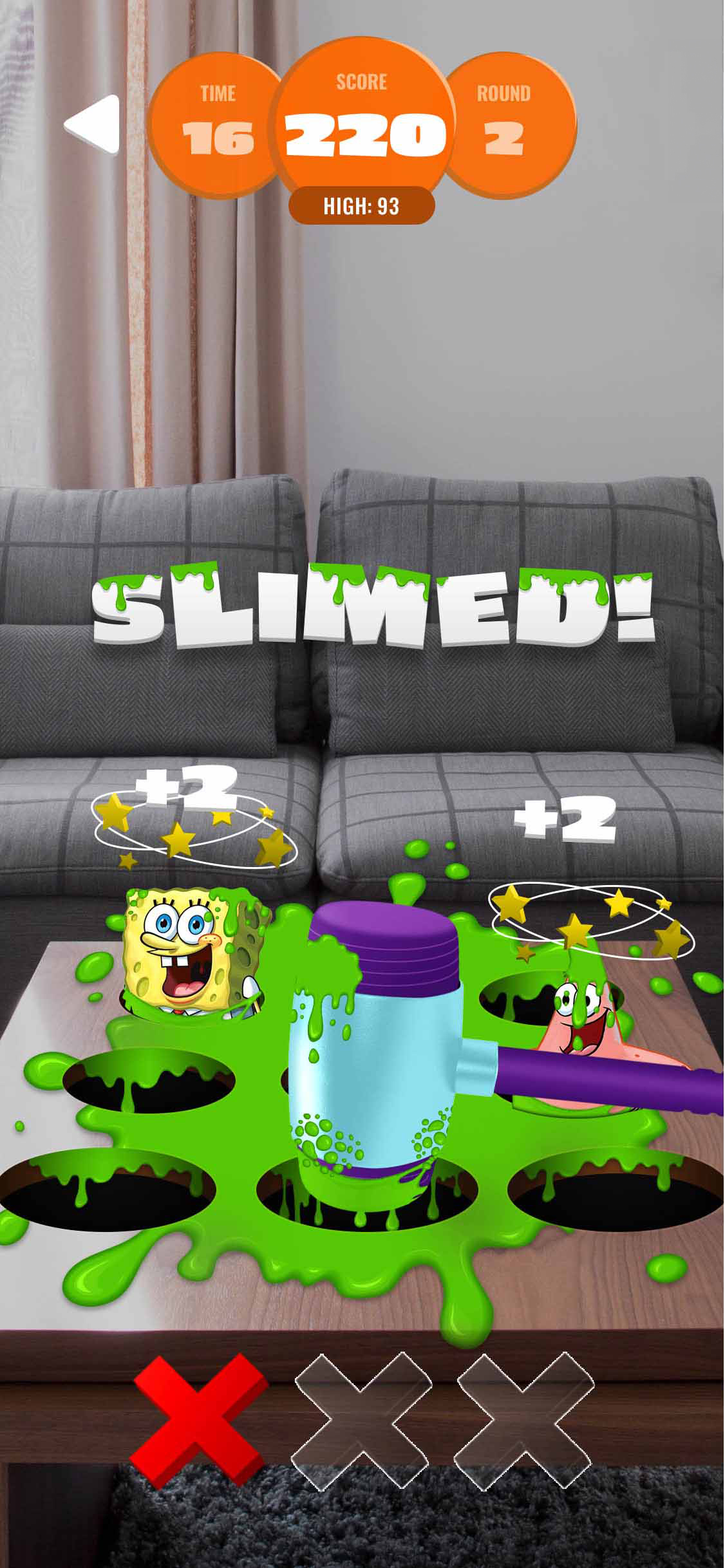
AR Games Design

Games Carousel Menu
Select Gameplay Screens
06 //

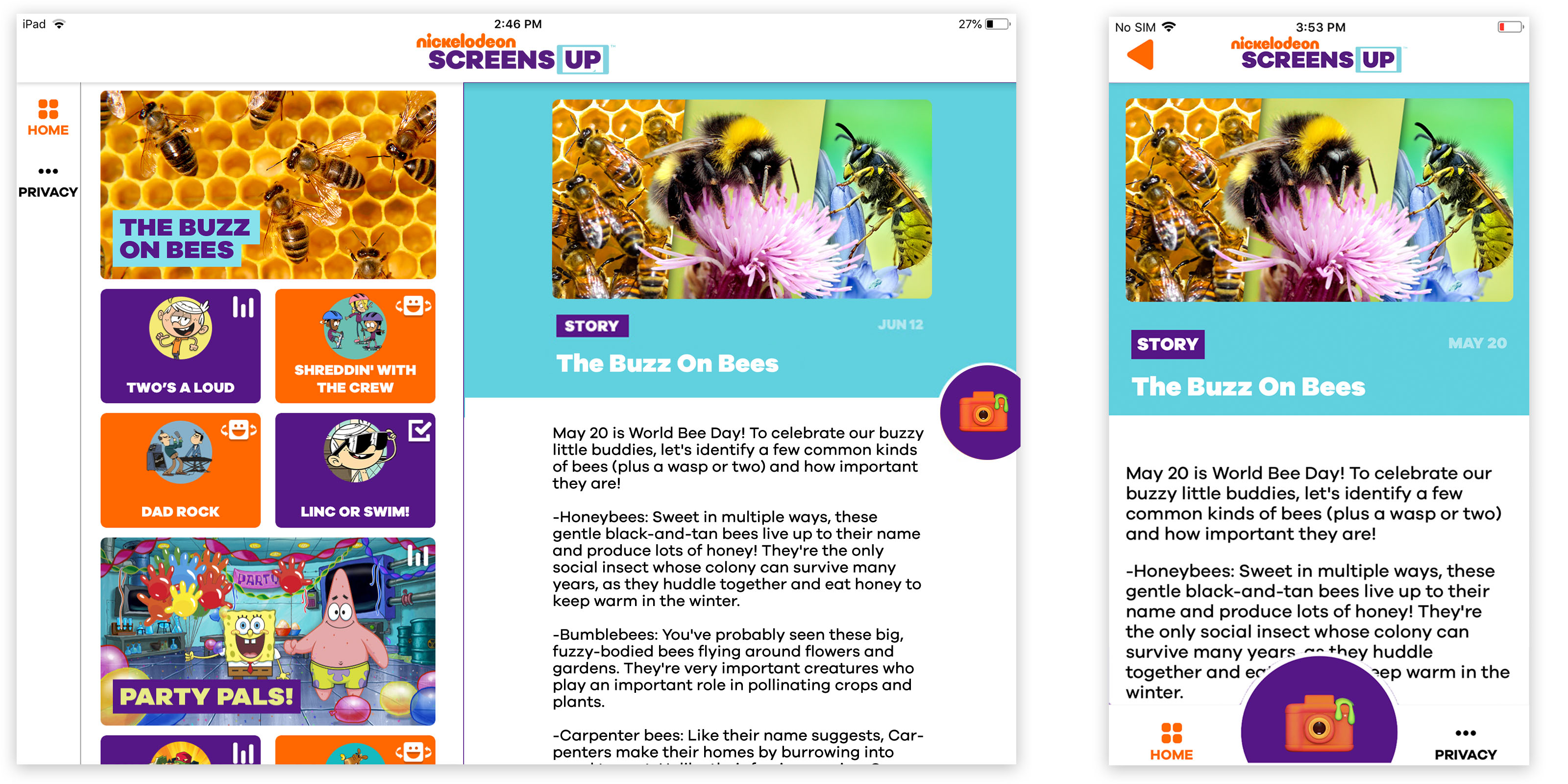
Evergreen Product & Content Design

Trivia
Polls
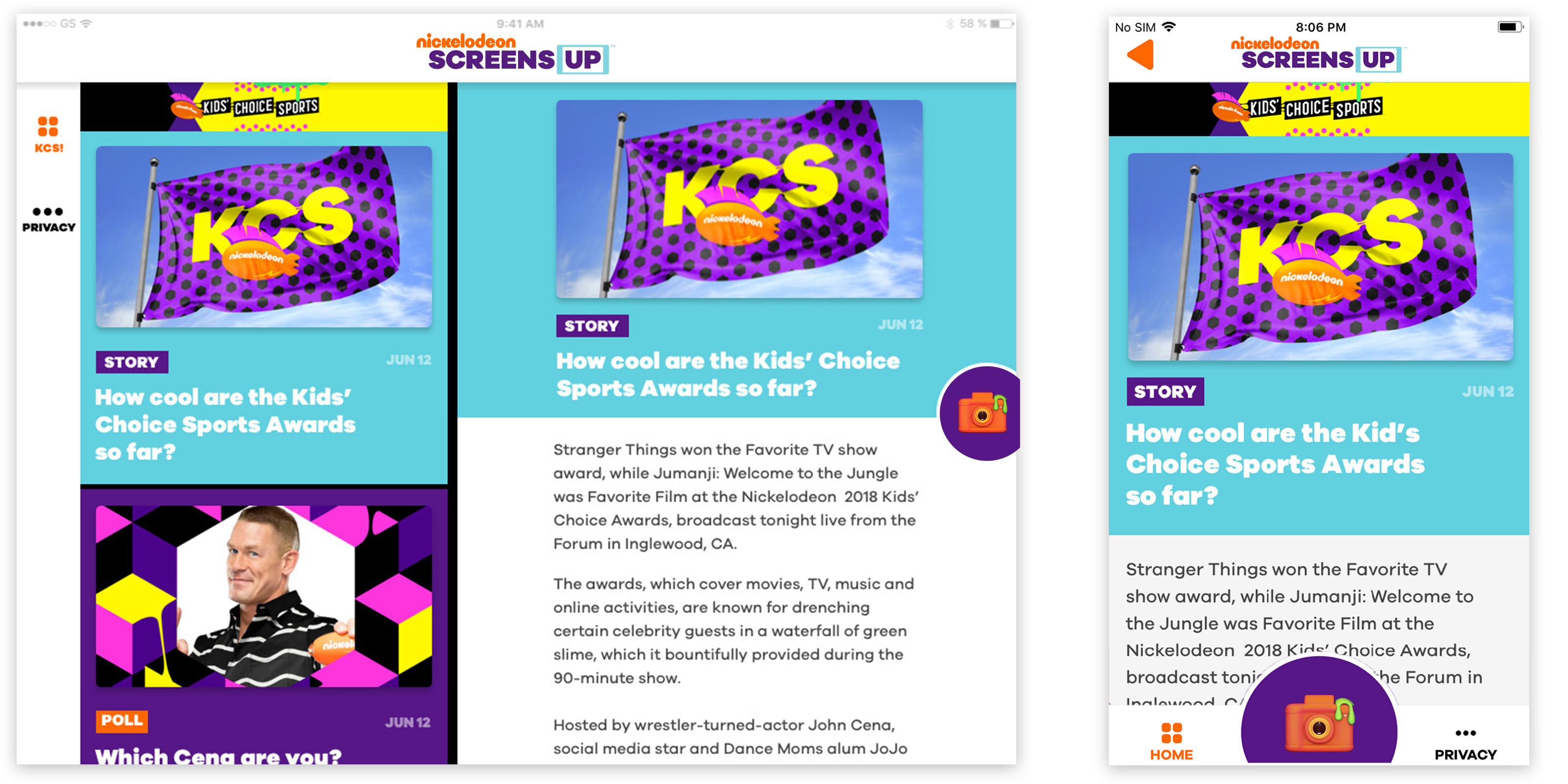
Articles
07 //

Event Mode Product & Content Design

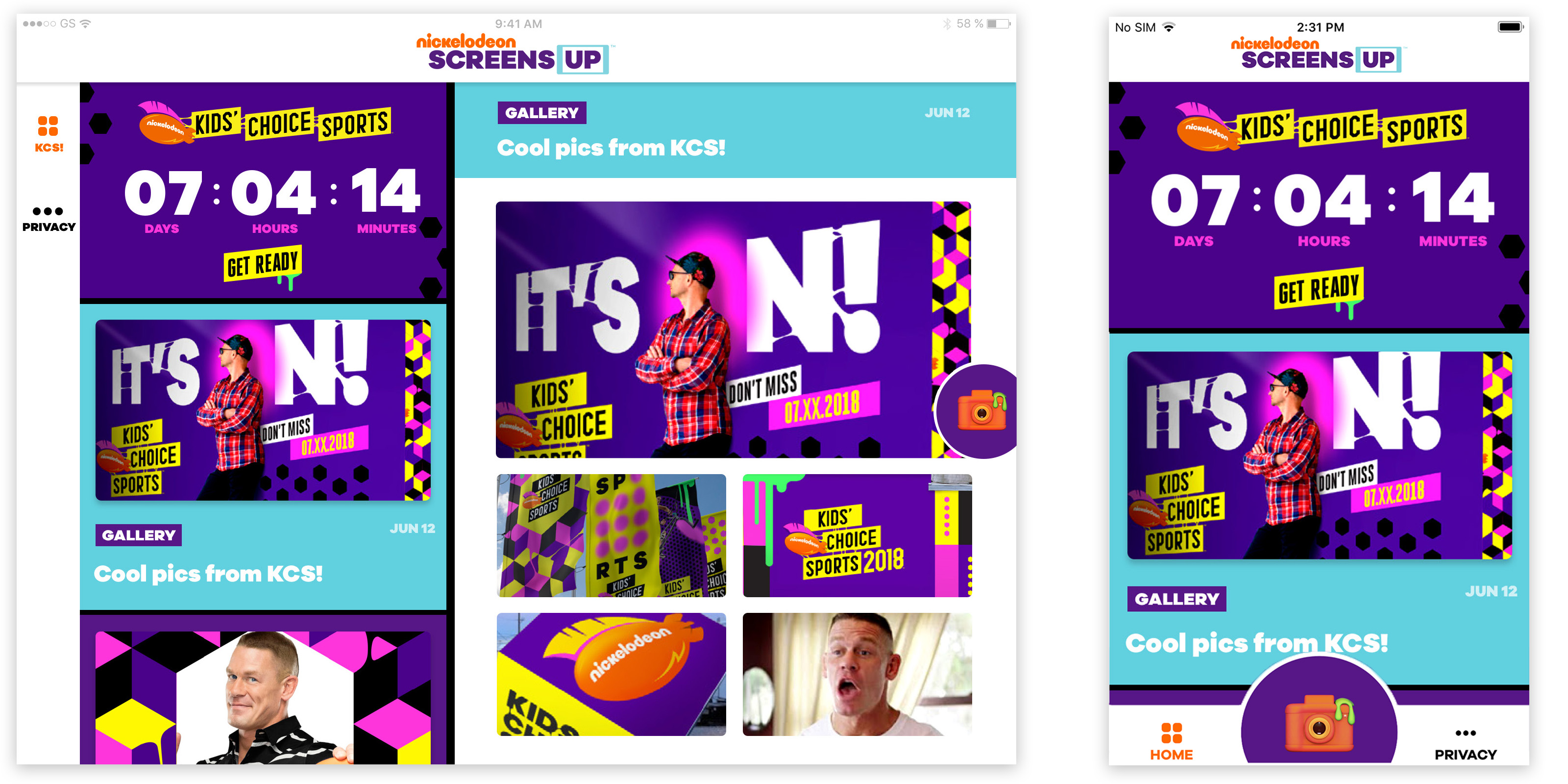
Countdown Clock
Polls
Articles
Swing-O-Meter
Photo Galleries
08 //

App Screen Recordings

09 //

Augmented Reality TV Stunts

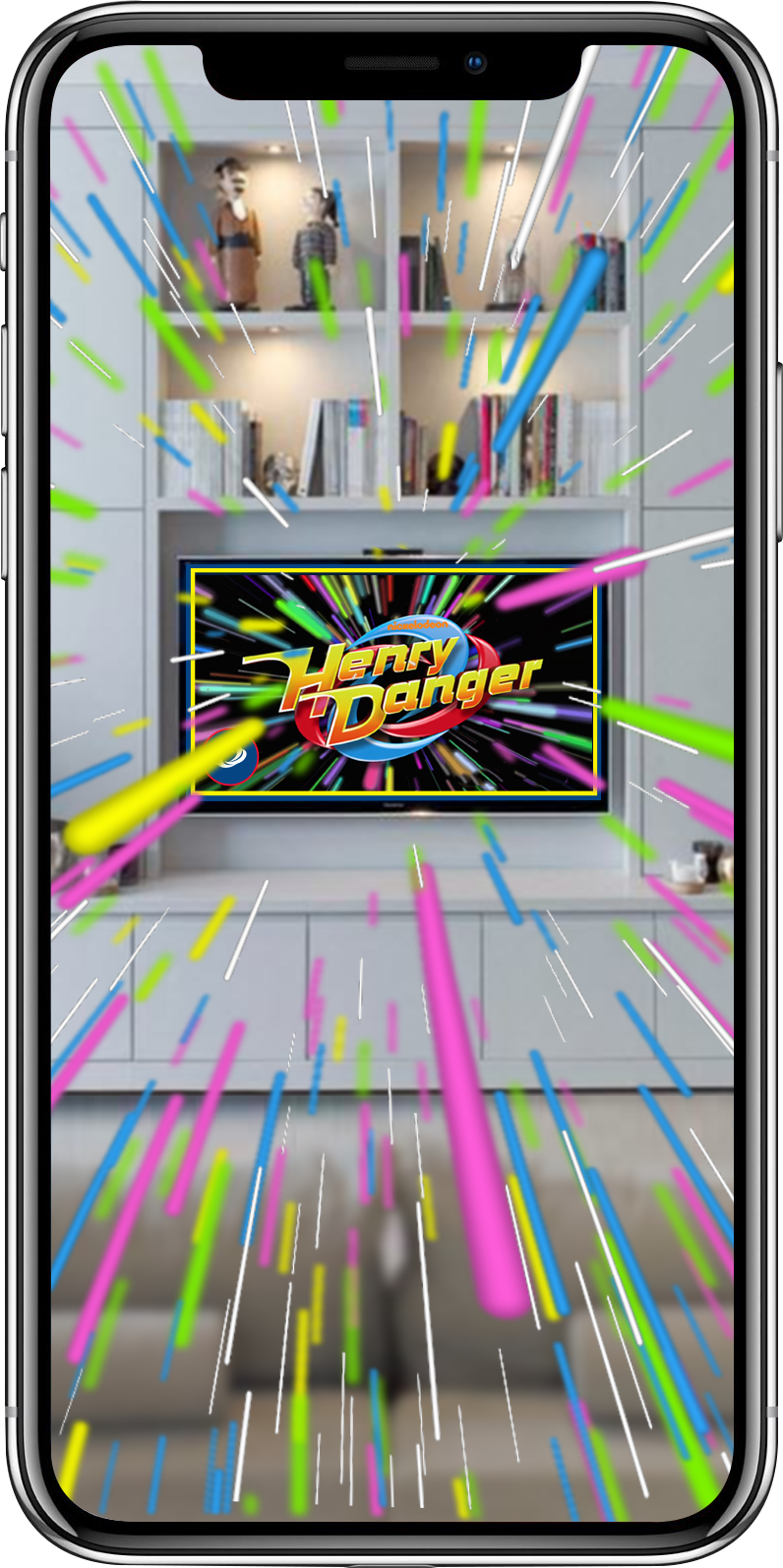
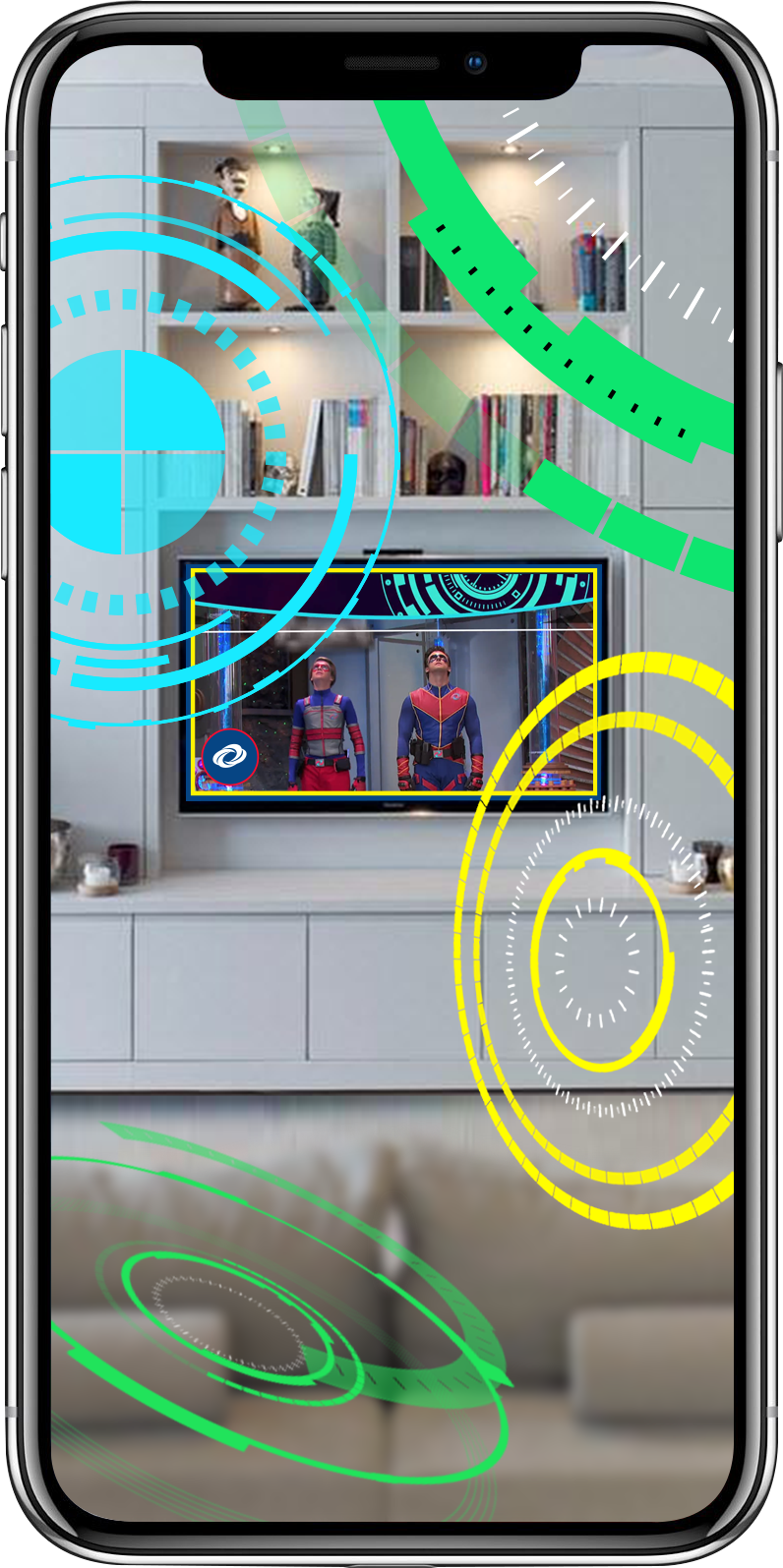
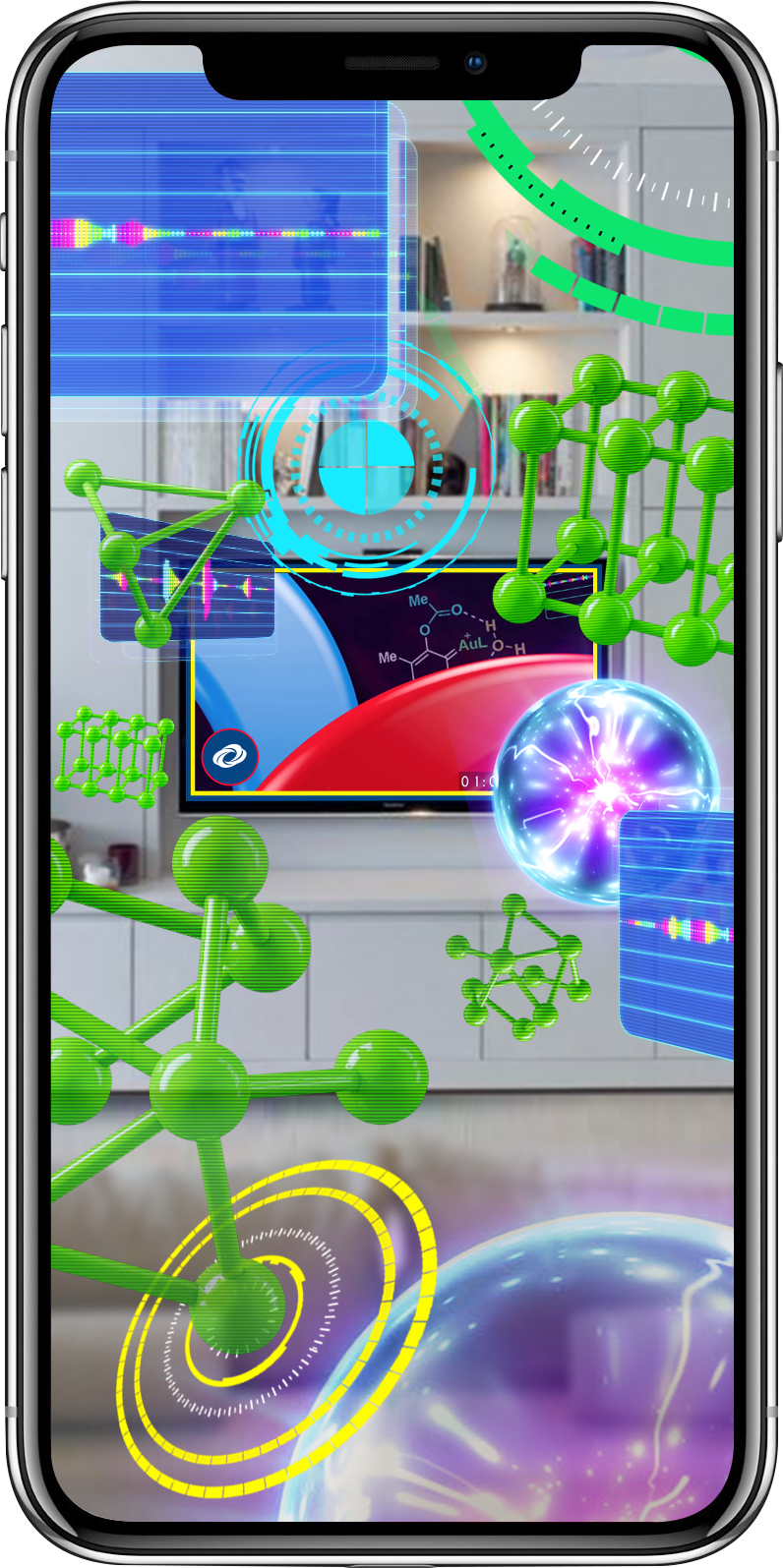
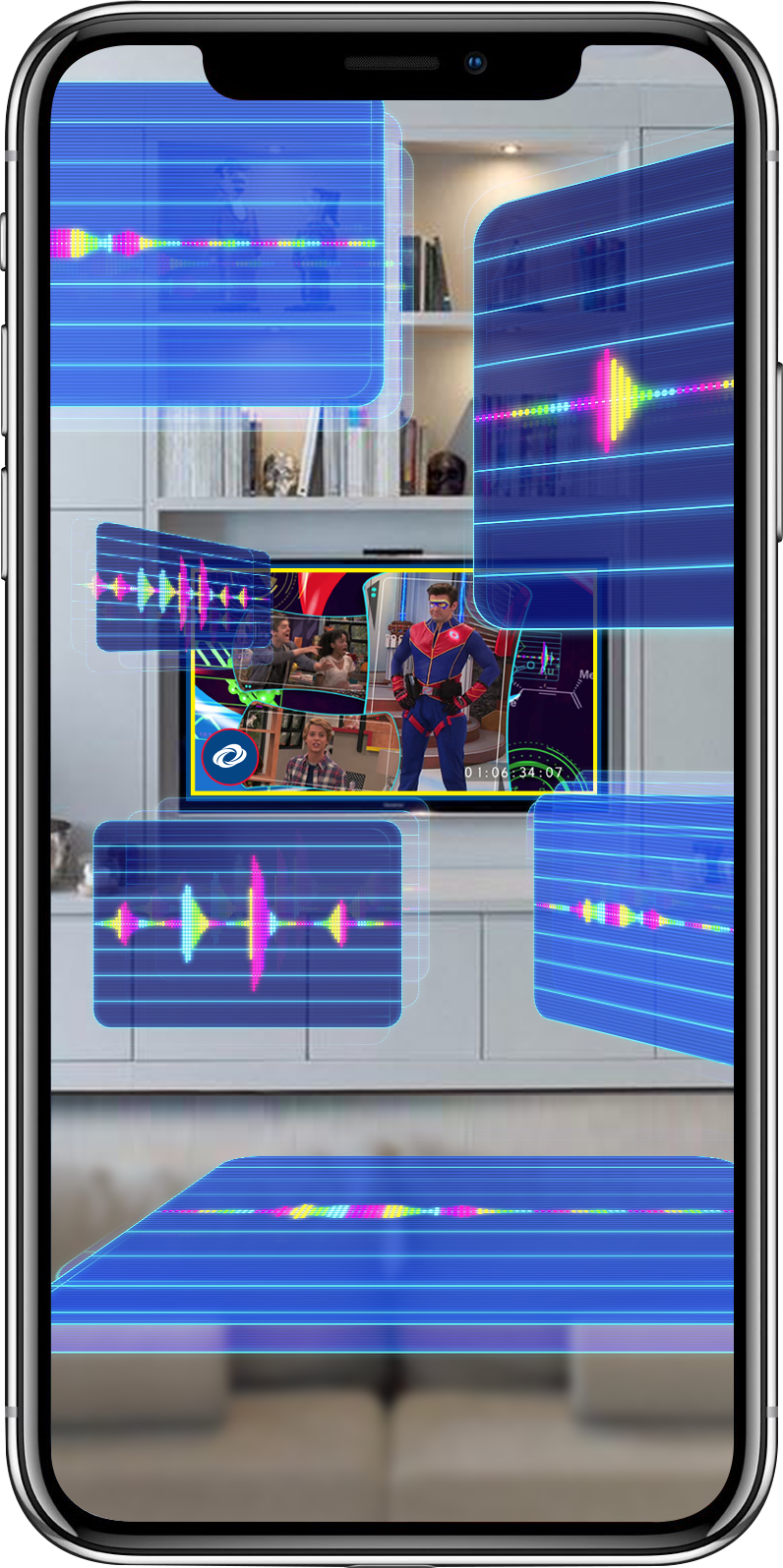
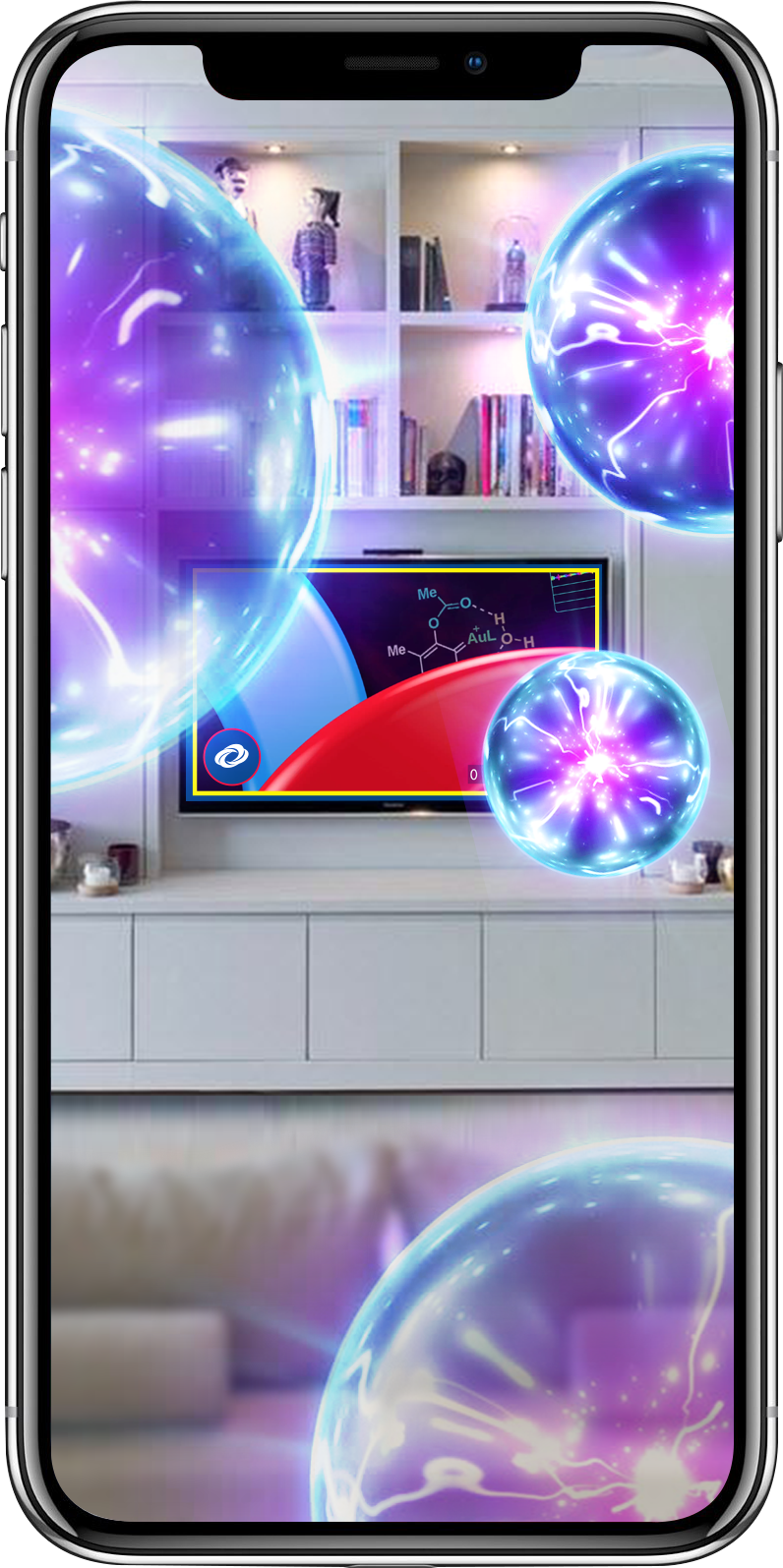
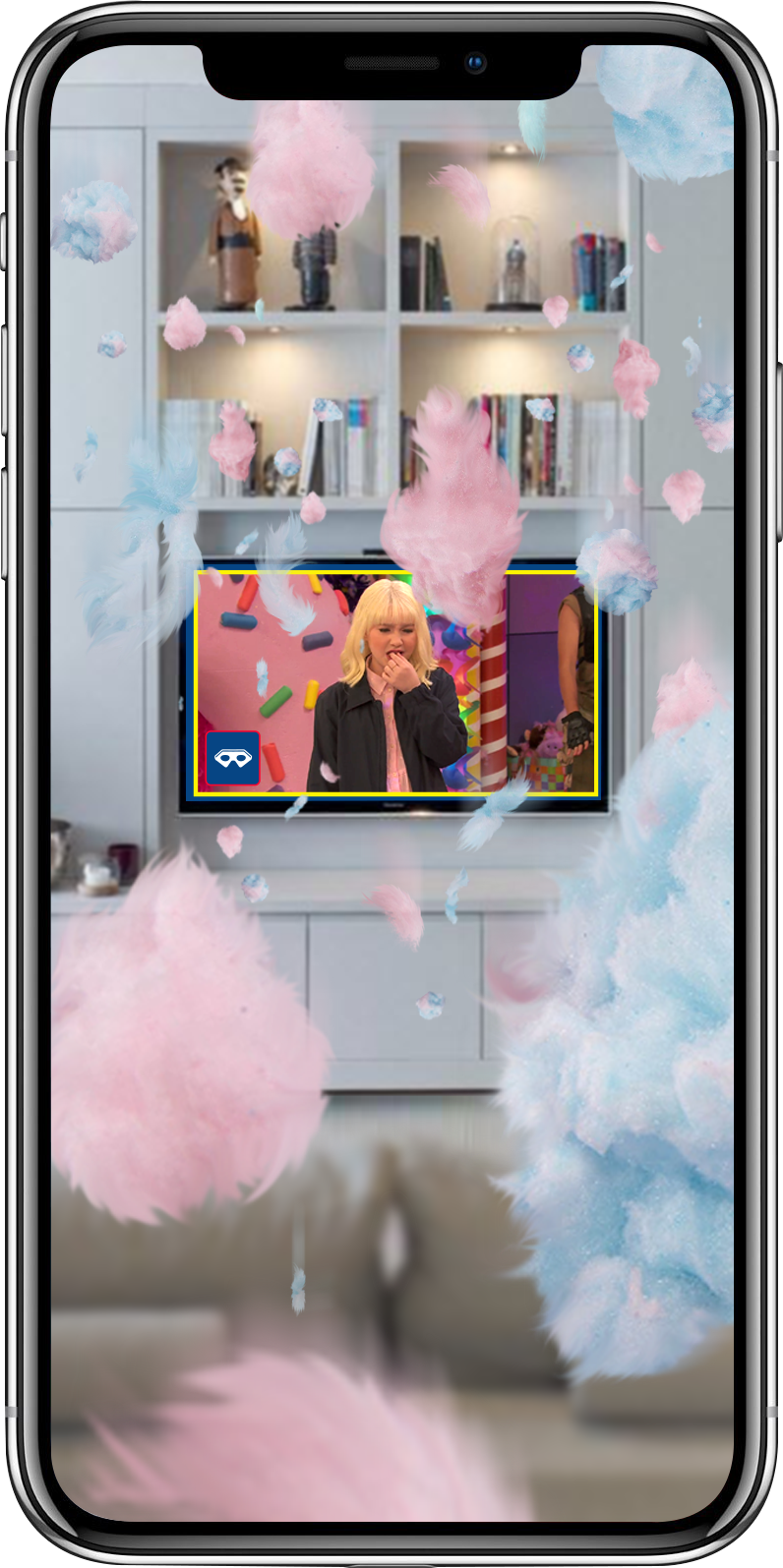
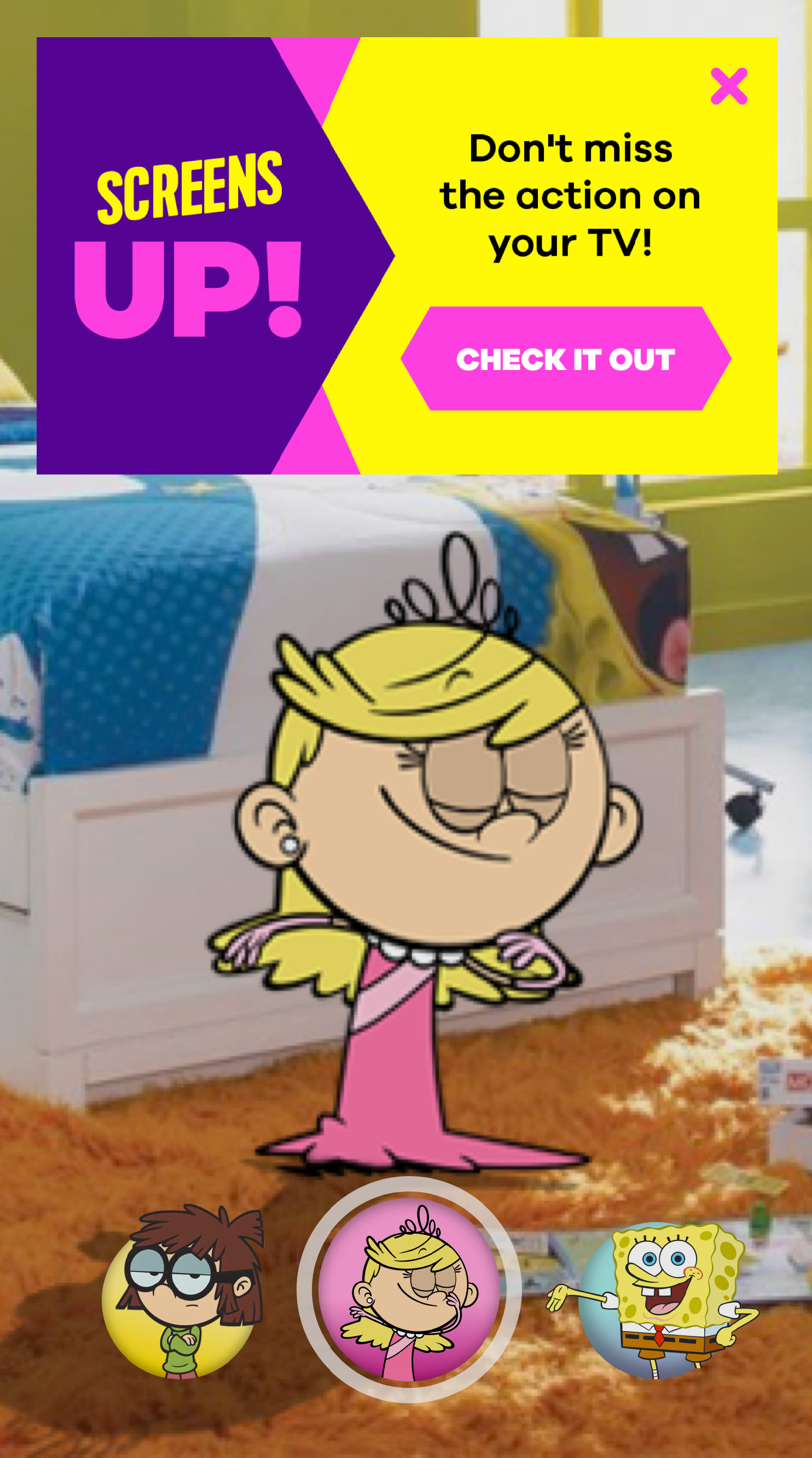
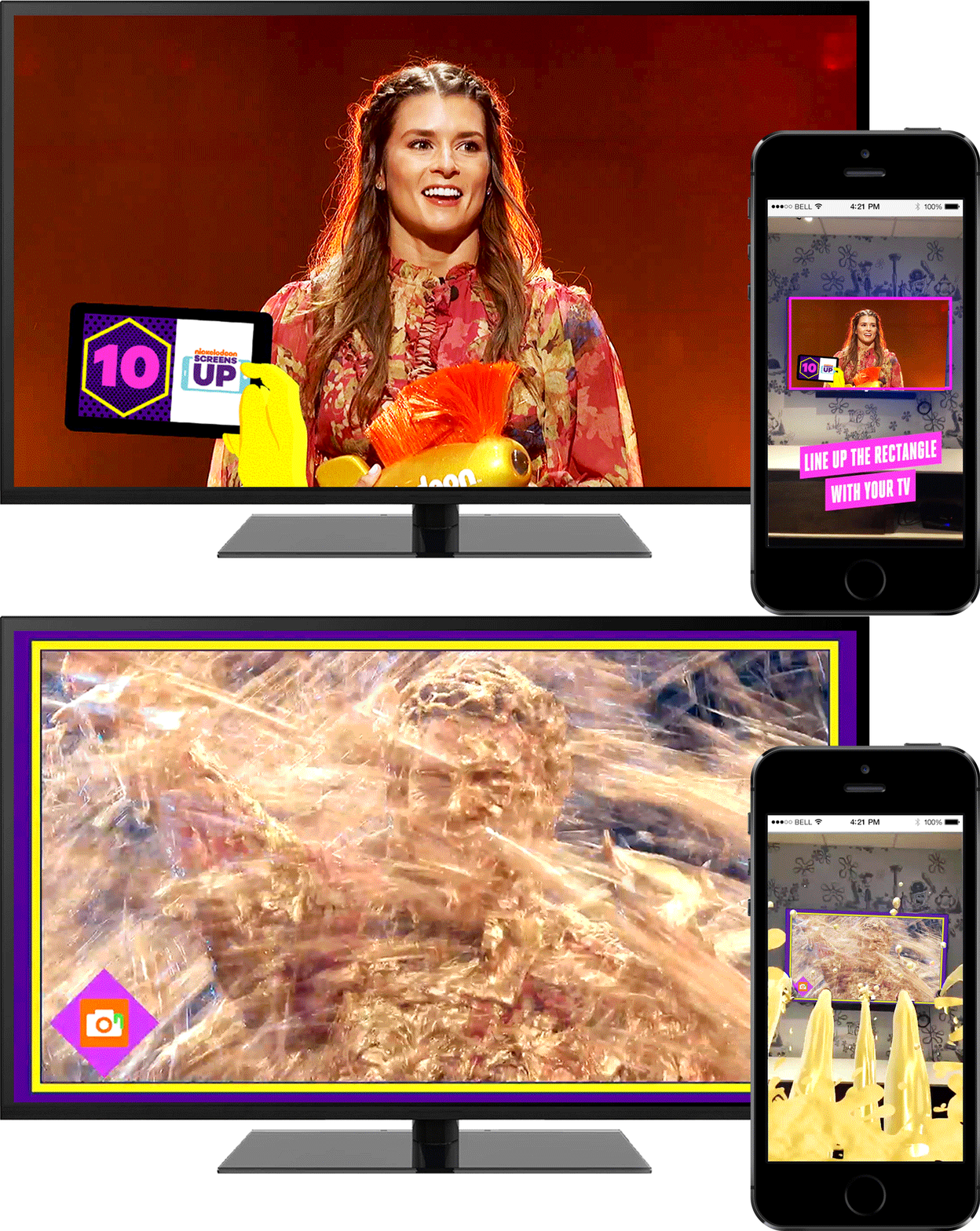
The Screens Up app was also the cornerstone of engaging augmented reality (AR) experiences designed to complement television programming. During these events, viewers could use the app to scan visual triggers displayed on-air, unlocking unique AR effects and stickers, all aimed at boosting viewer engagement and driving up TV ratings.

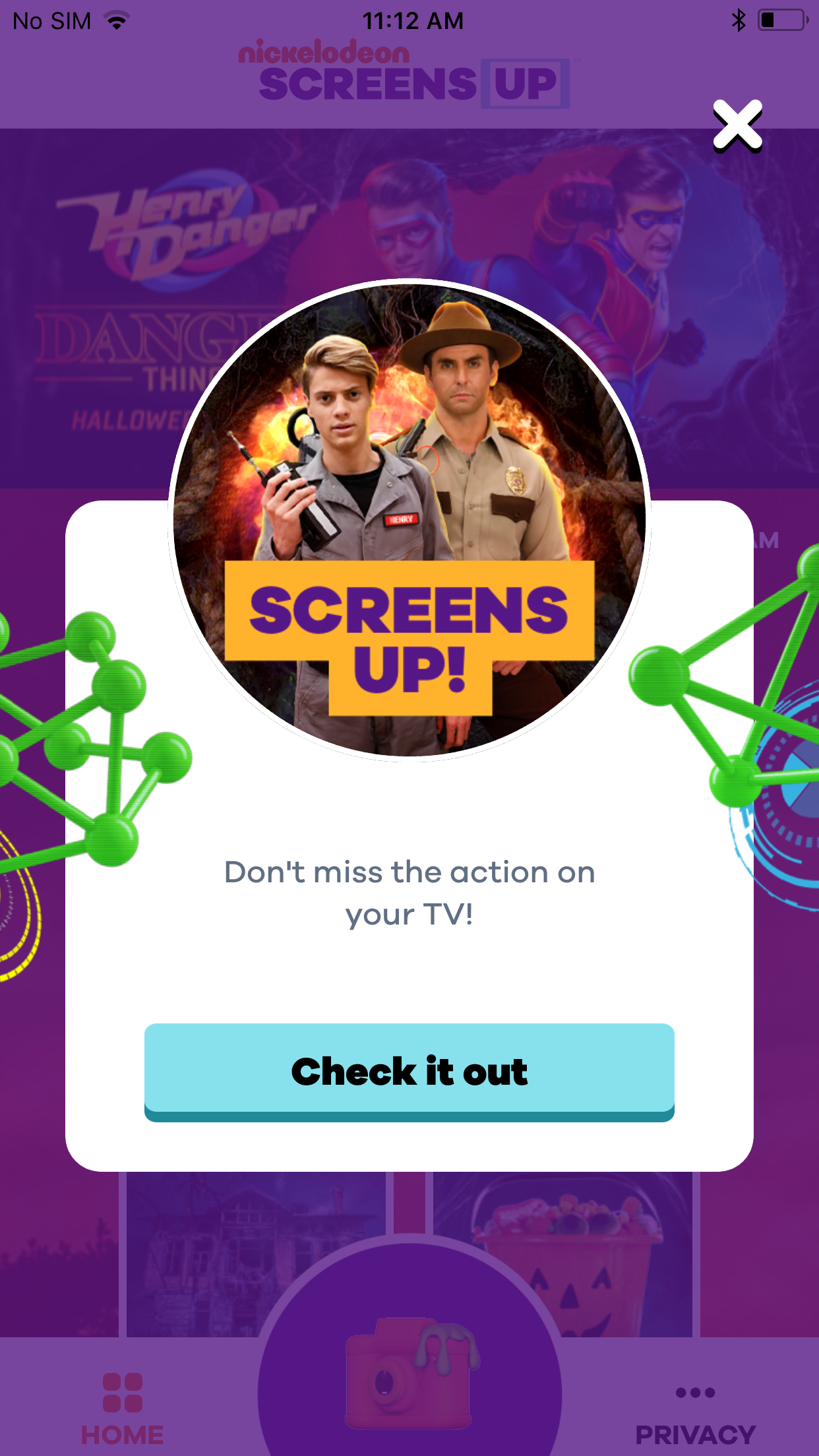
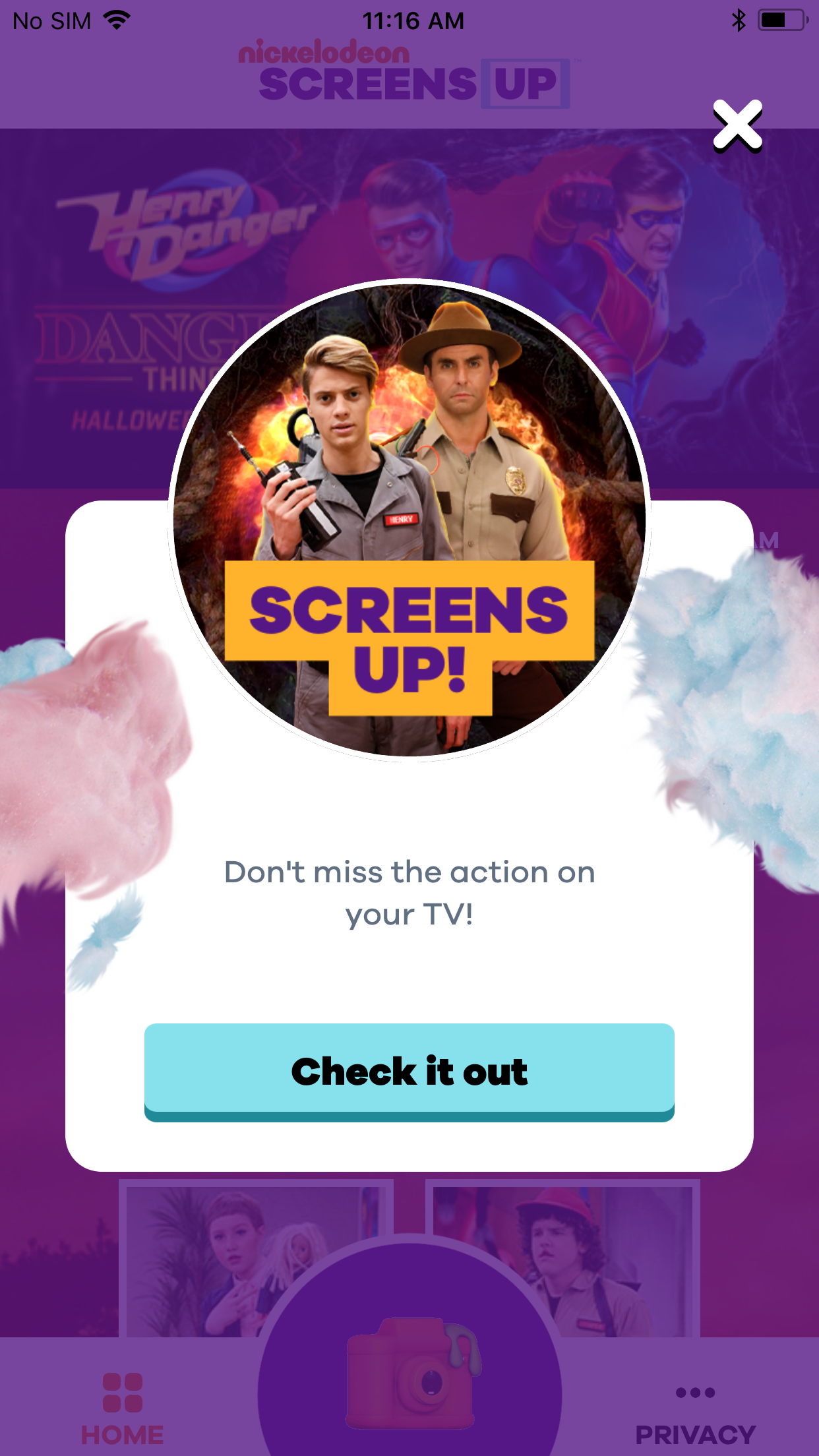
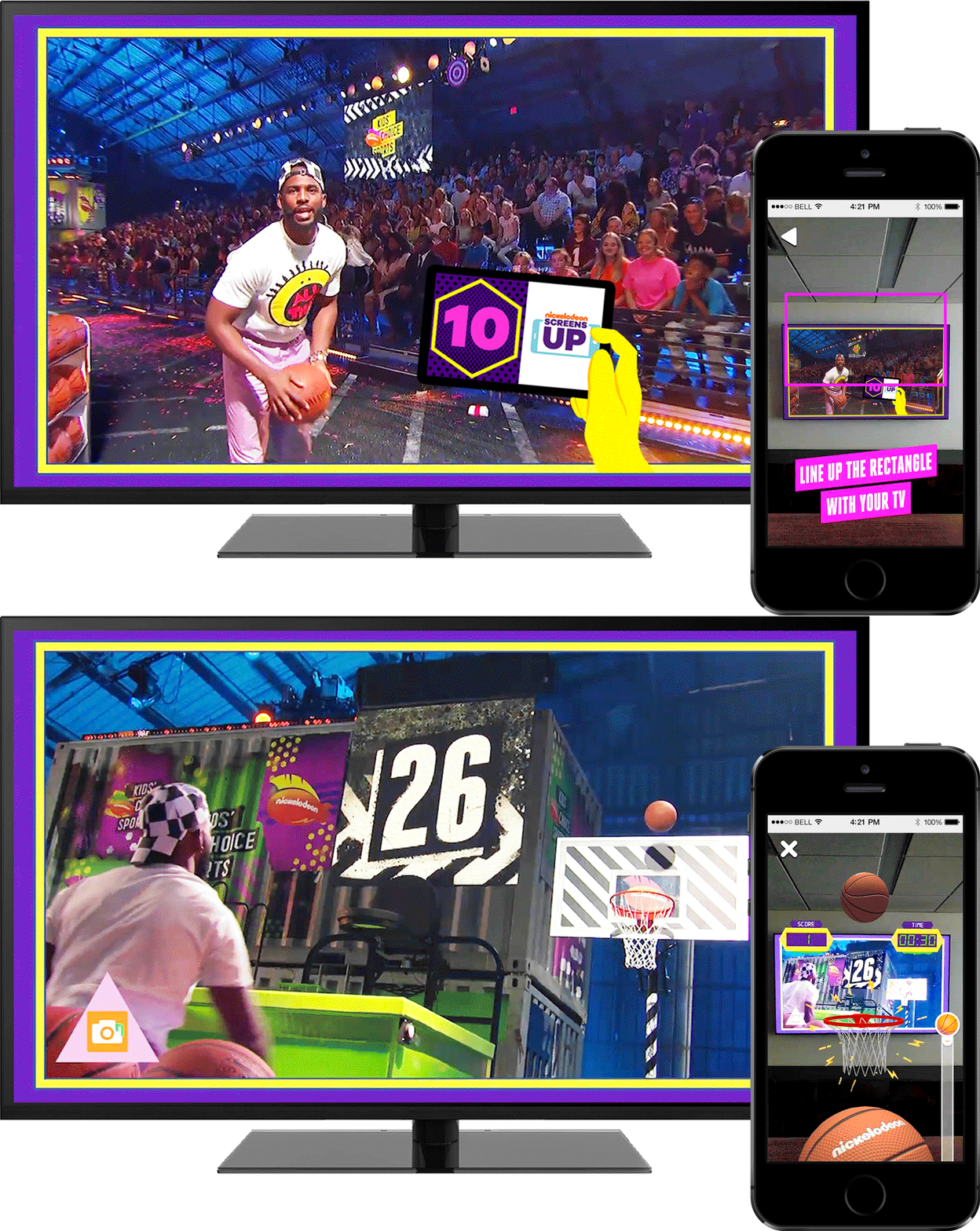
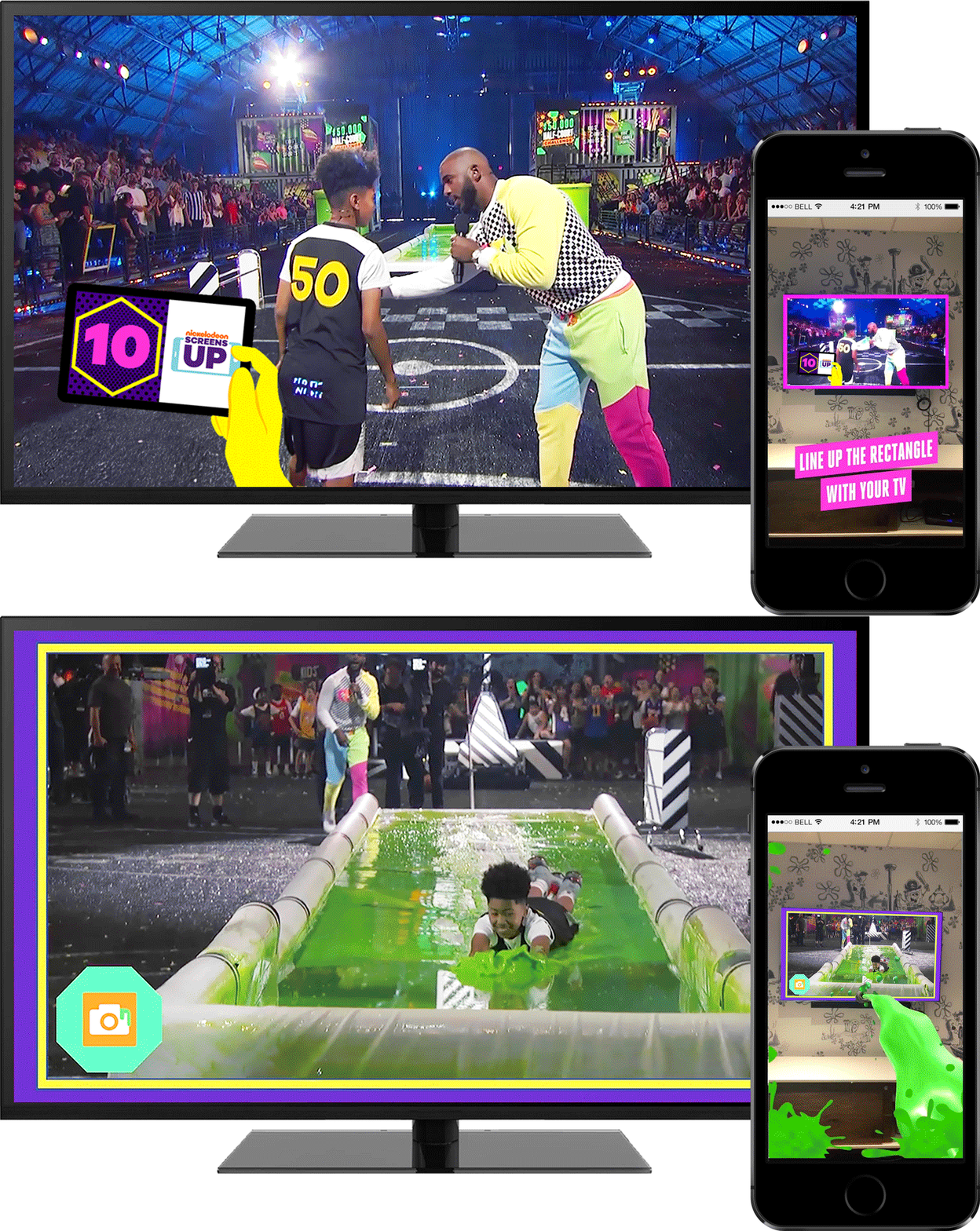
For the Henry Danger Halloween special, “Danger Things,” viewers could immerse themselves in an interactive adventure featuring swirling portals, jelly donuts, and cotton candy flying out of their TV screens. The 2018 Kids’ Choice Sports Awards incorporated four AR triggers, enabling viewers to see blimps flying around their room, participate in an AR basketball game during a $50K half-court shot, and experience plenty of the iconic slime—virtually, of course. 

For these initiatives, I art directed a team responsible for all visual designs within the app, oversaw four vendors on the visual design of the AR moments, collaborated with the on-air graphics team to ensure seamless trigger synchronization, and managed the user experience through wireframes and user flow.

Henry Danger Halloween Special: Danger Things

AR Stunt Overview Video
AR User Flow in Screens Up App
AR Activations Synched with Episode

Kids' Choice Sports 2018

AR Stunt Overview Video
AR Notifications in Screens Up App
AR Activations Synched with Show
AR Activation Screen Capture
10 //

Metrics & Results

0 .3MM
App Launches
0 K
App Installs
0 .2MM
AR Stickers Placed
0 .4MM
Poll Interactions
0 .6MM
AR Game Interactions
0 K
Trivia Interactions
0 %
Avg. TV Ratings Increase
0  Min.
Avg. Session Length
Back